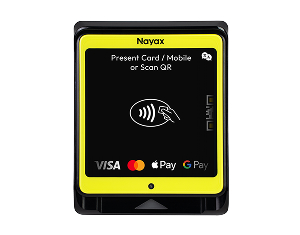
Getting Started with Your New VPOS Media 4 Mini
all-in-one payment terminal
Let’s get you up and running! Below you’ll find everything you need, from installation guides to activation steps.
Before you begin:
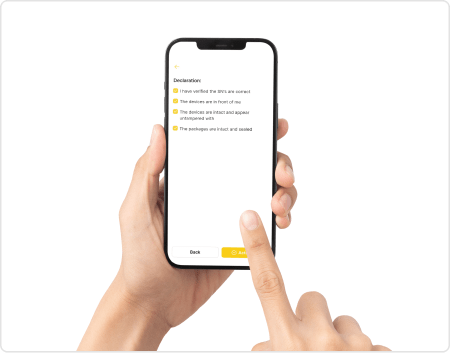
To protect cardholder data and meet PCI-PIN security standards, before it can accept paymentsyour VPOS Media 4Mini devicemust be activated.
What you’ll need to activate:
Your device needs to be linked to your Nayax account. To proceed, make sure you have a Nayax Core user or an active operator account with billing set up. If the device is not linked, you can start the process [here].
An email address that’s associated with your Nayax account and accessible to you.
Once that’s ready, you can proceed with activation below. Need help? Our support team is available 7 days a week – [Contact Support].
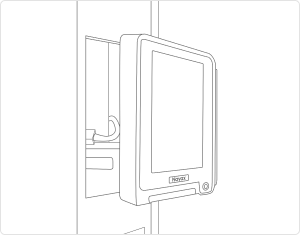
How to install VPOS Media 4 Mini onto your machine